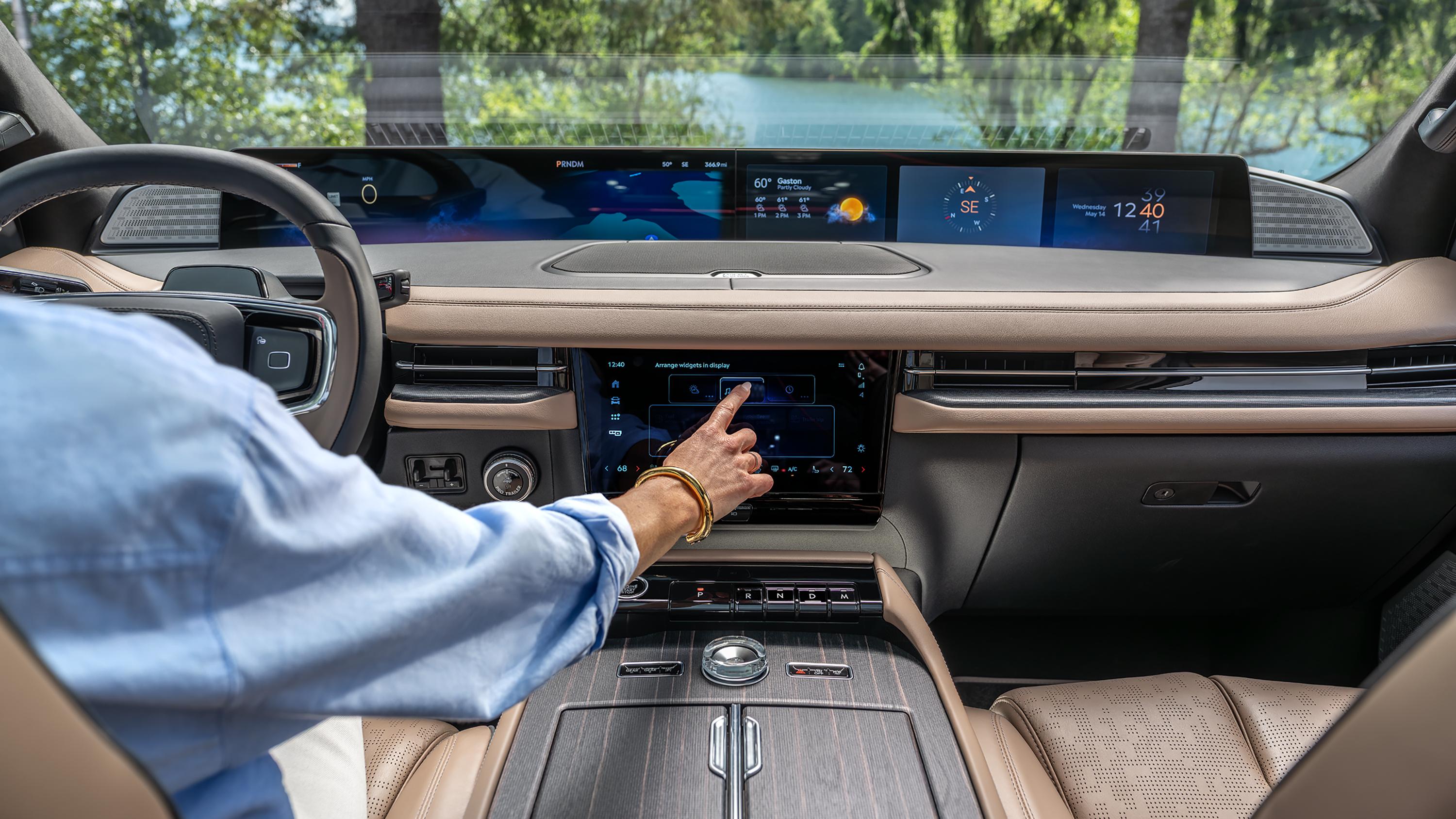
Connected vehicle data What your data can do for you
Detalles de la imagen
The power is in your hands.
You have the ability to start your Lincoln vehicle with the Lincoln app. 162,164 Receive software updates to your vehicle delivered automatically over the air. * Even get scheduled maintenance service notifications from your preferred dealer. It’s all made possible by the data you share. And the choice is yours.
To help you choose, here you can learn about what you have to gain, the personal information we collect, and your rights.
Activate the full Lincoln experience.
See what you have to gain when you choose to share your connected vehicle data.
Location Data
Smarter journeys start here.
Where are you on sharing location data? Find the benefits here, then decide.
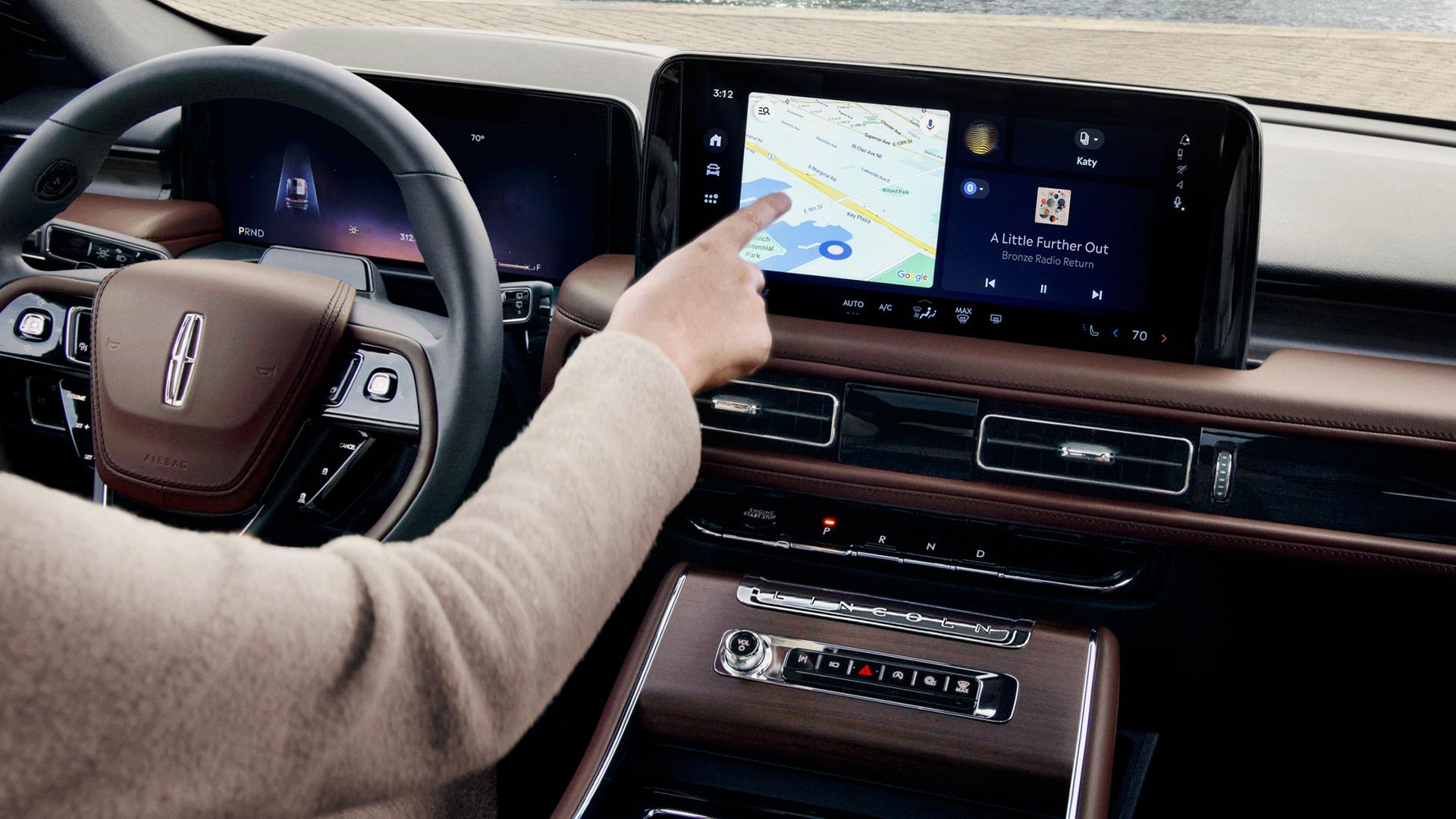
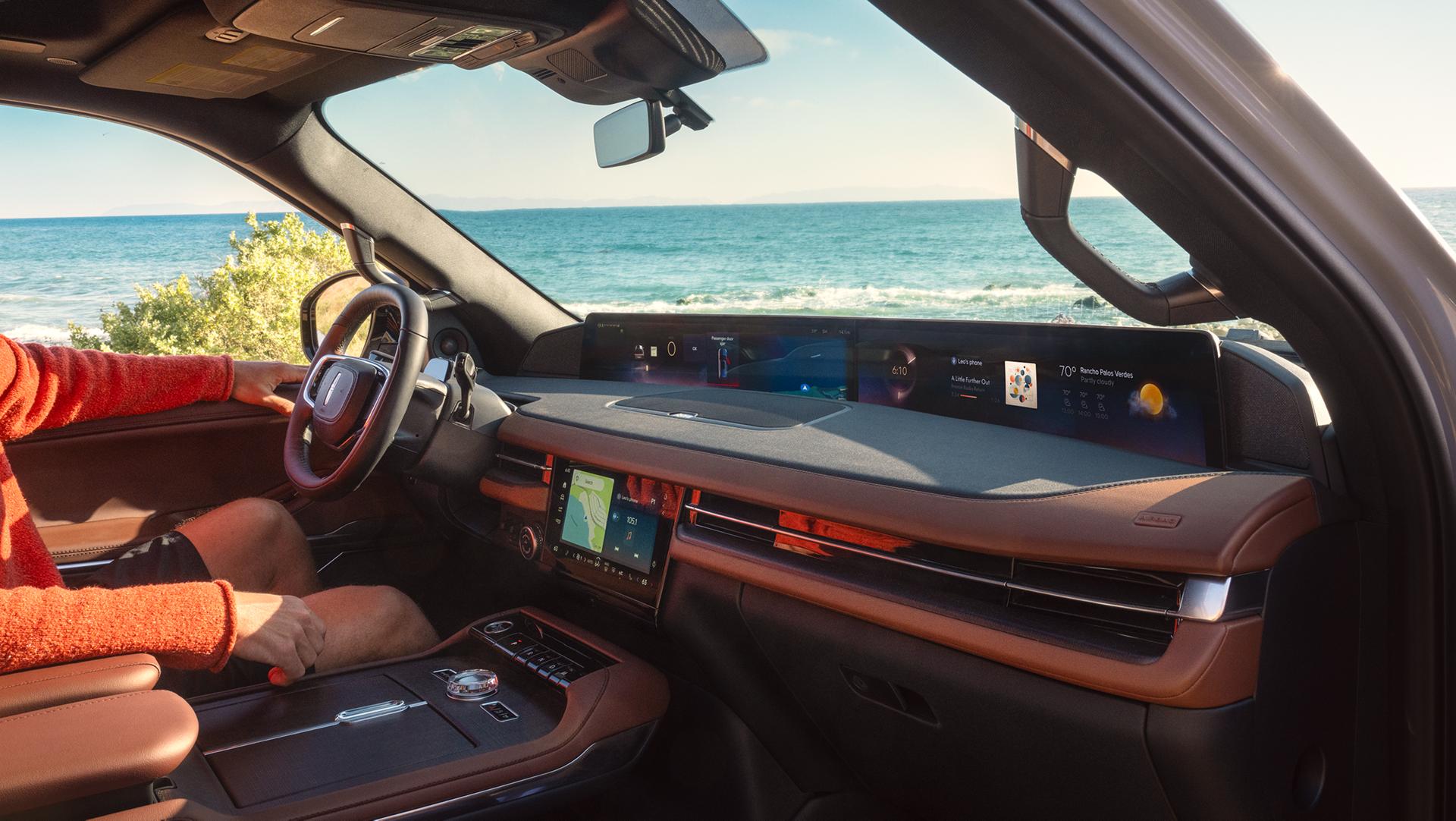
What you gain when you share:
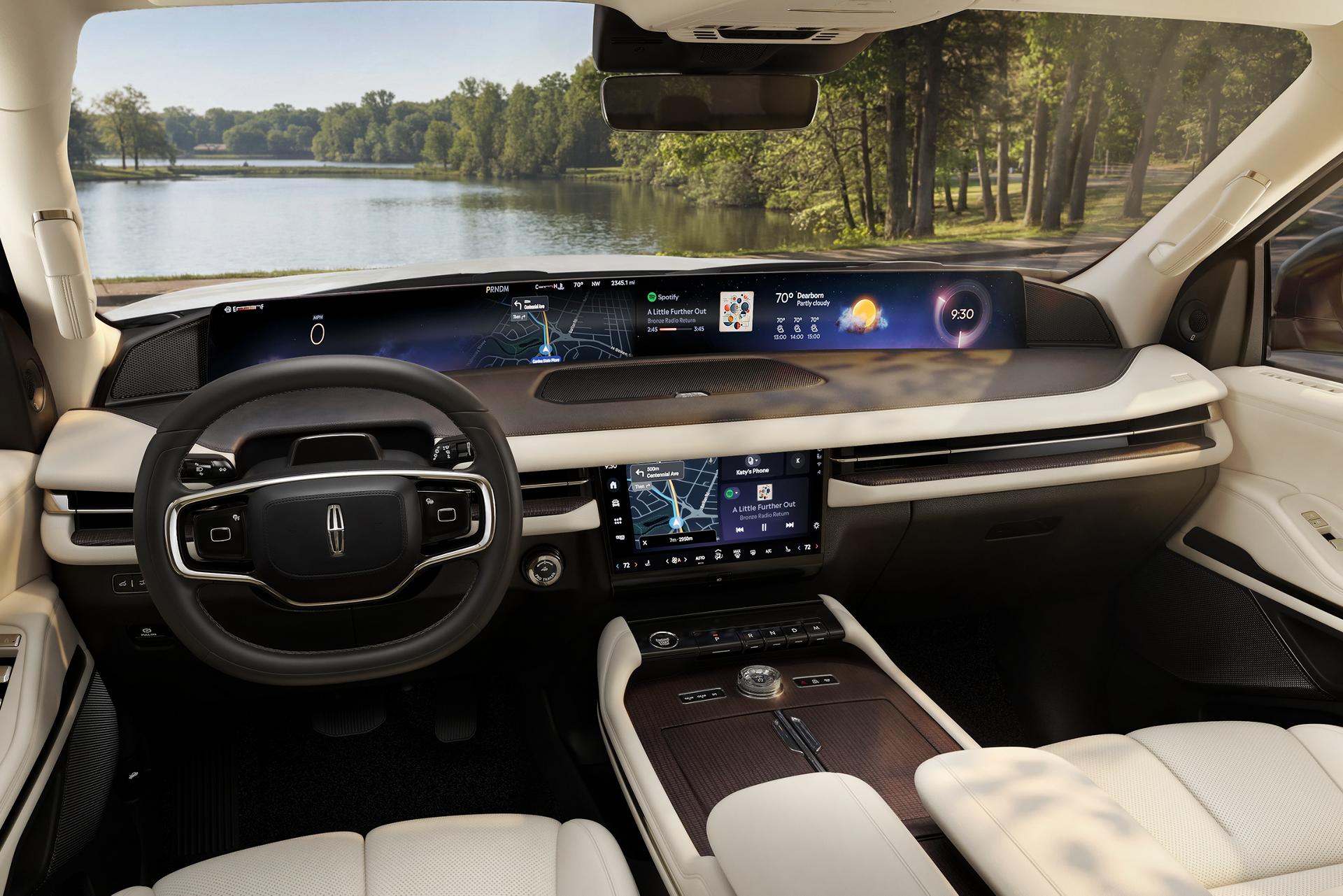
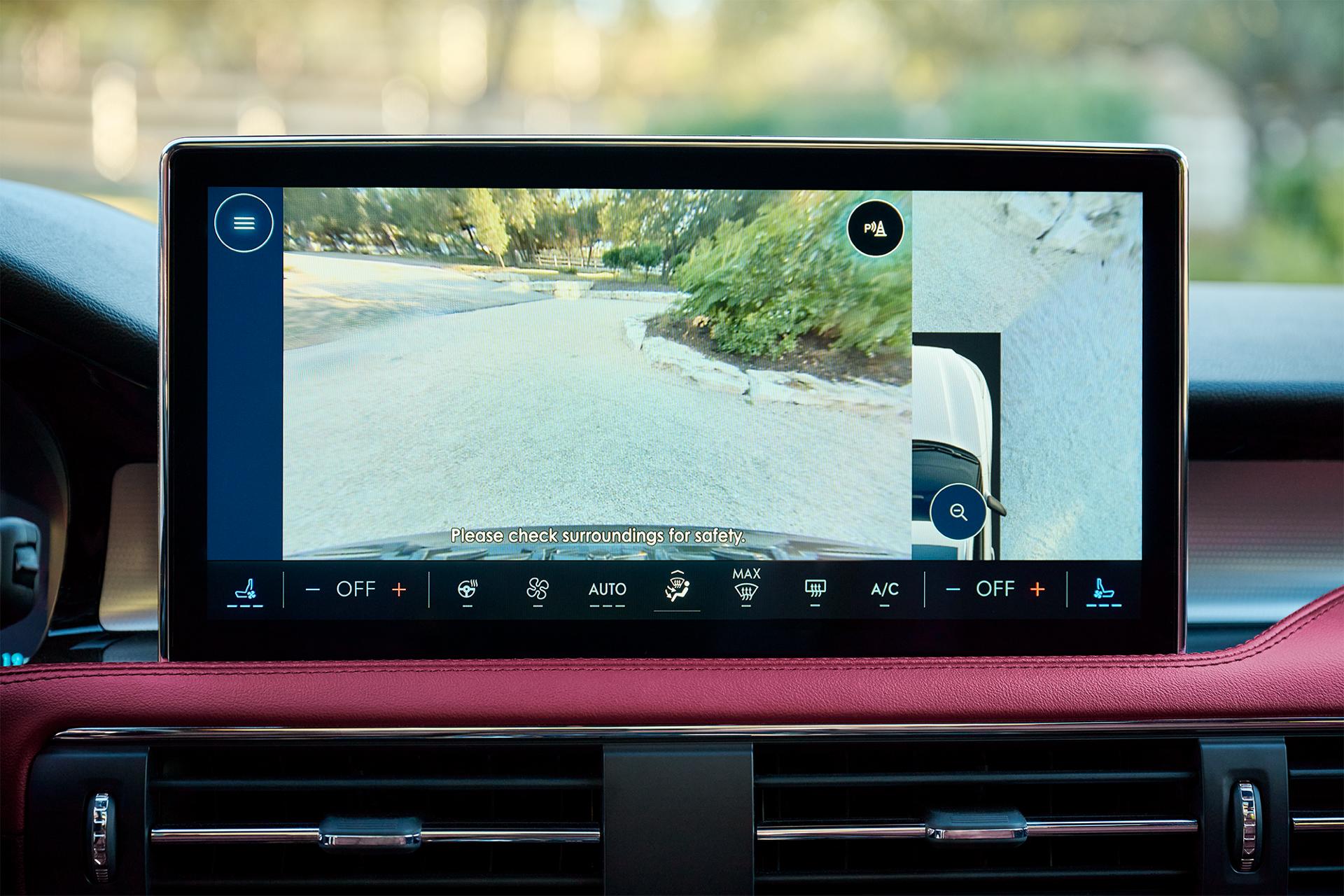
- Available Embedded Navigation — Get turn-by-turn directions with real-time traffic updates, if equipped and enabled 12
- Roadside Assistance — Should you need it, your location can be shared with towing dispatch through the Lincoln app. 164 It's complimentary. 164,166
- Available Lincoln Security Package — If your vehicle is stolen, file a police report and Lincoln will work with local law enforcement to help track your vehicle’s location *
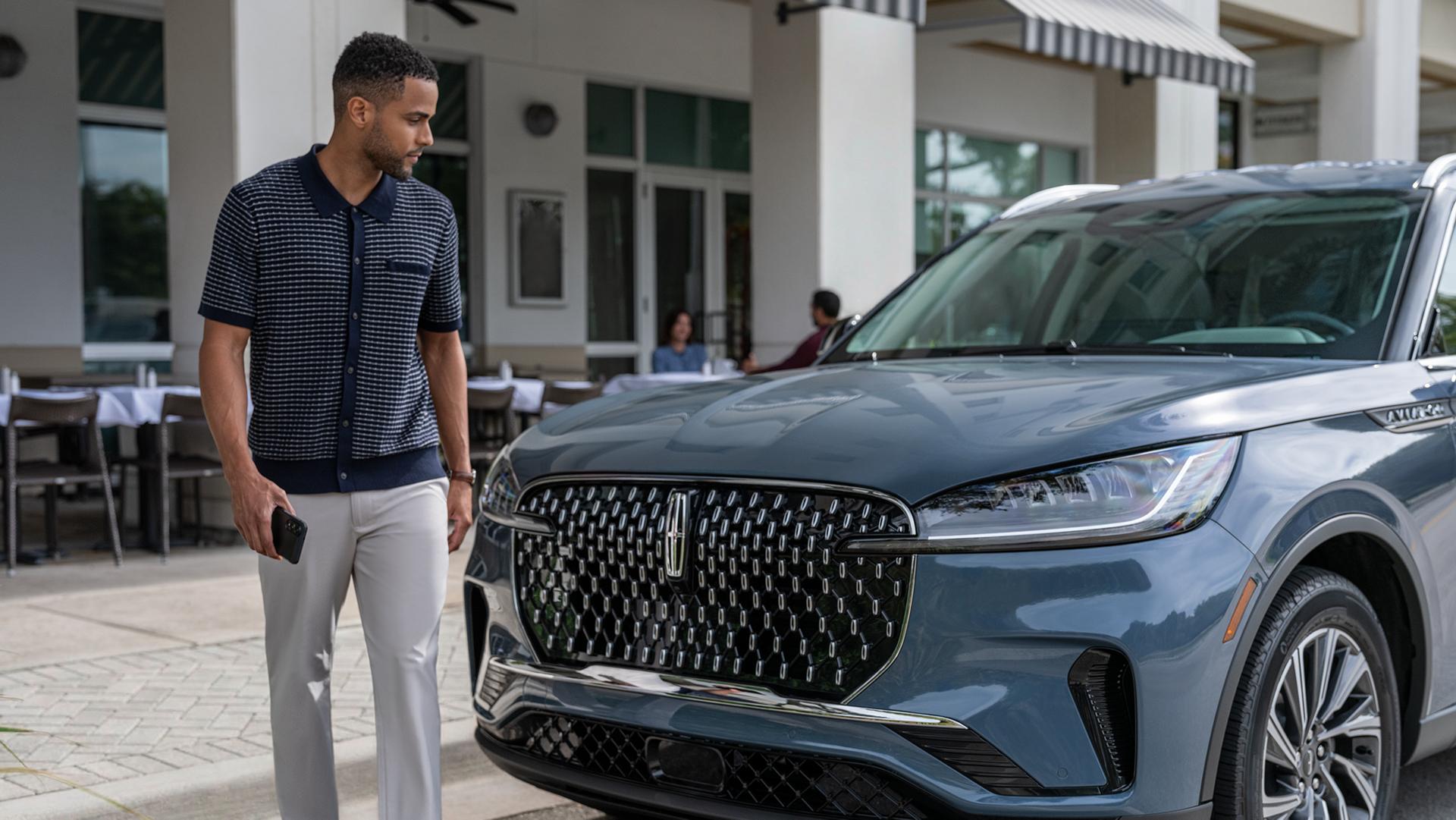
- Vehicle location — Use the Lincoln app 164 to locate where you parked
What works without sharing your data:
- Apple CarPlay® and Android Auto™ compatibility 161
- Radio and media playback
- Manual trip logging
How to adjust this setting:
Vehicle location sharing with Lincoln is managed inside your vehicle. Location sharing for map usage can be managed in the Lincoln app. We'll walk you through your options.
Connectivity Features
Stay up to date and in control.
Learn about connectivity and decide how connected you want to be.

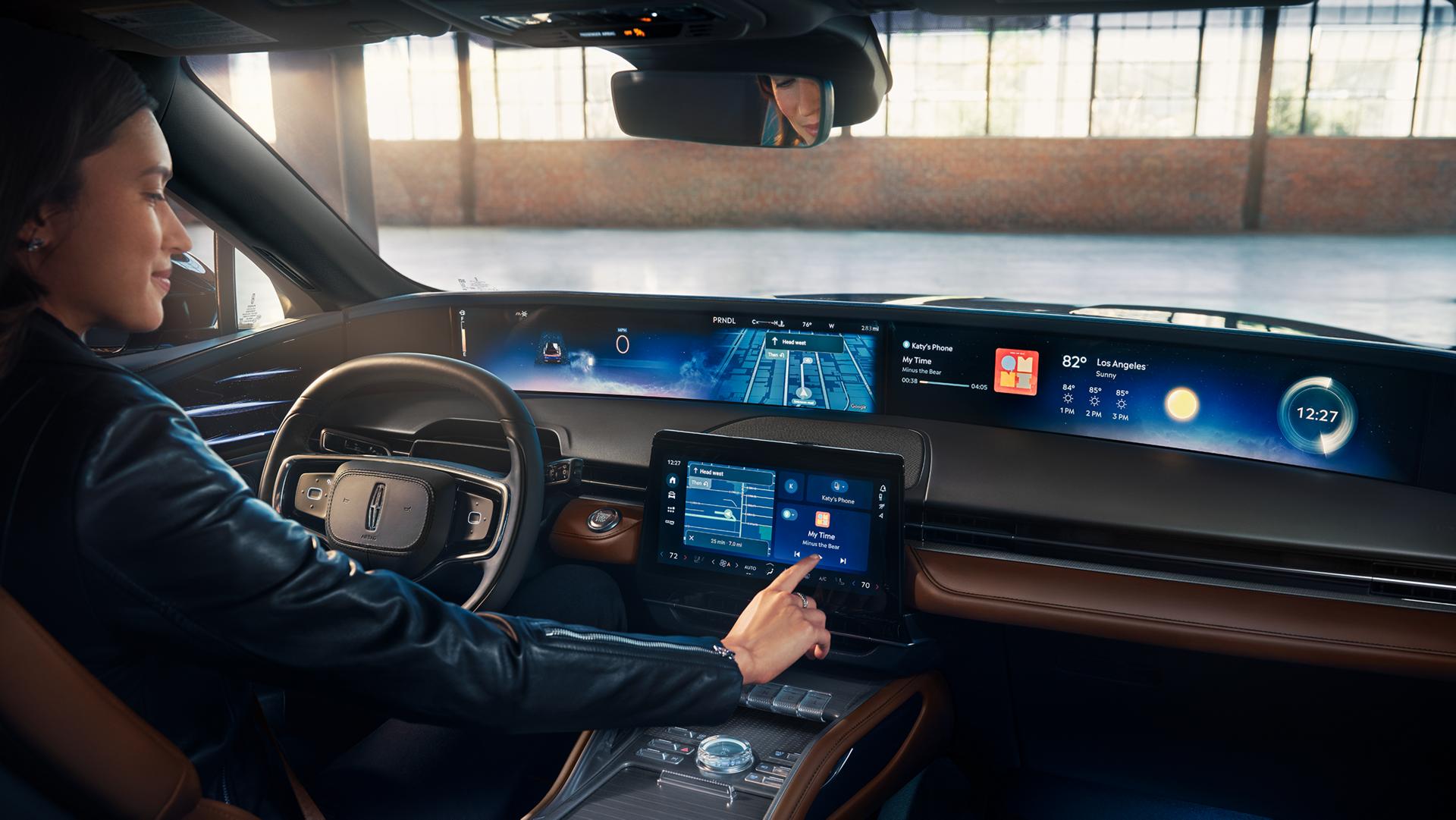
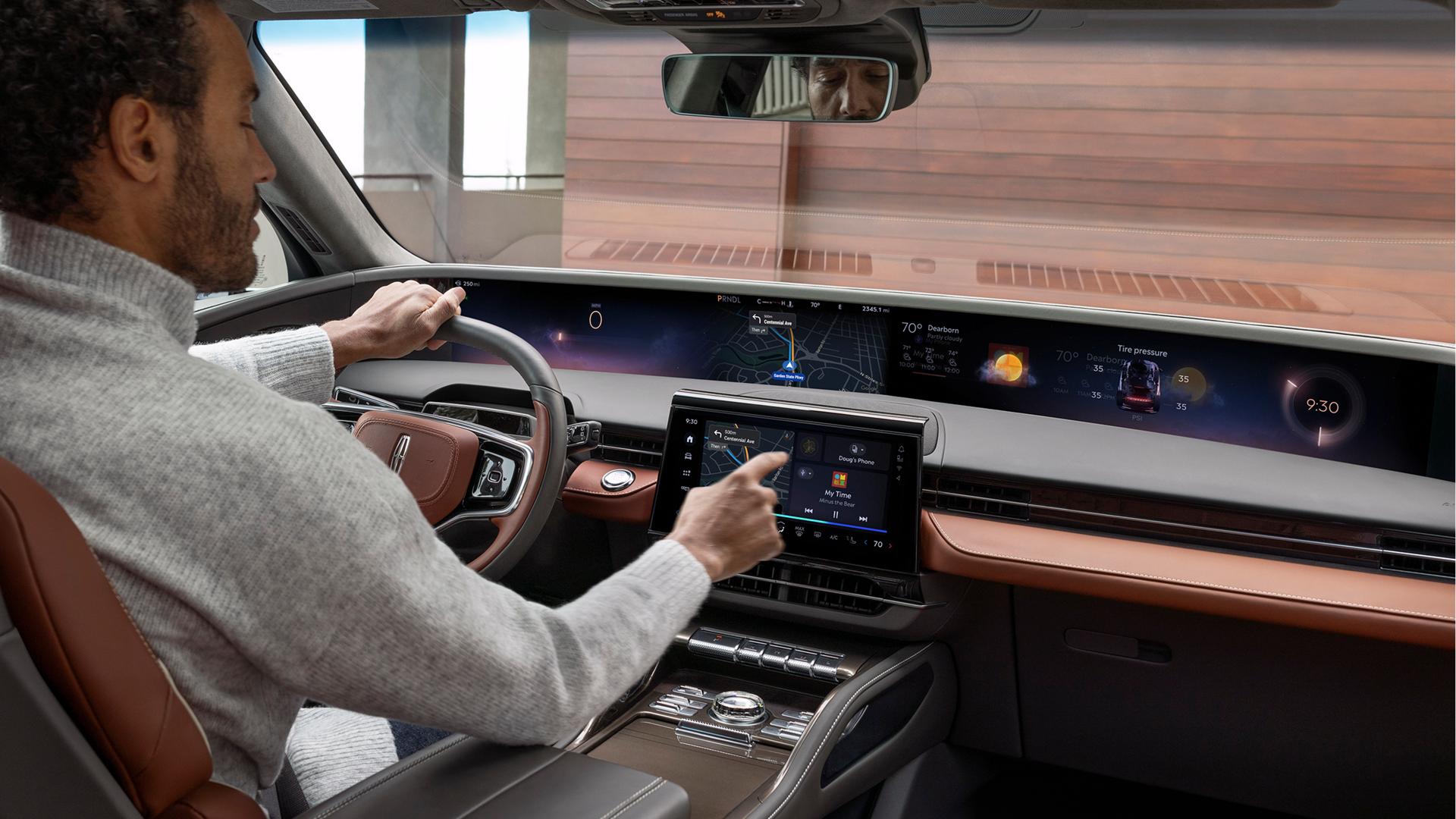
What you gain when you share:
- Software updates 162 — Receive software updates automatically over the air
- Access remote features via the Lincoln app 162 — Start/stop, lock/unlock, fuel/battery level info, and more
- Vehicle health alerts — Automatic alerts about maintenance needs
- Available in-vehicle internet connectivity — Wi-Fi® hotspot for up to 10 devices *
What works without sharing your data:
- Apple CarPlay® and Android Auto™ compatibility 161
- Local Bluetooth® connection for phone calls and music
How to adjust this setting:
Data sharing can be adjusted in your Lincoln vehicle.
Personalización.
Let’s get to know each other.
Get content that feels relevant to you. Learn how we use your connected vehicle data to personalize your experience when you consent.

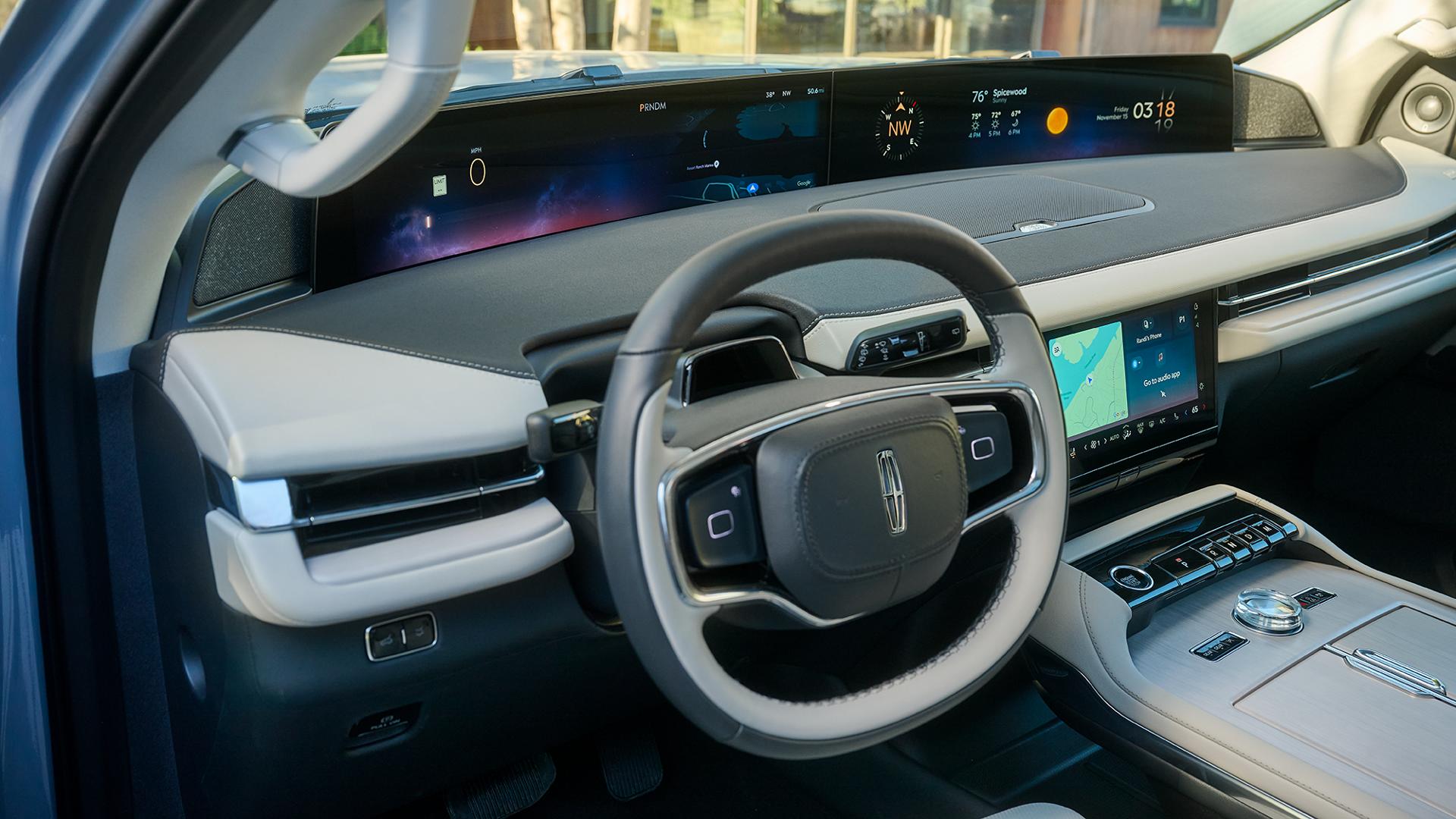
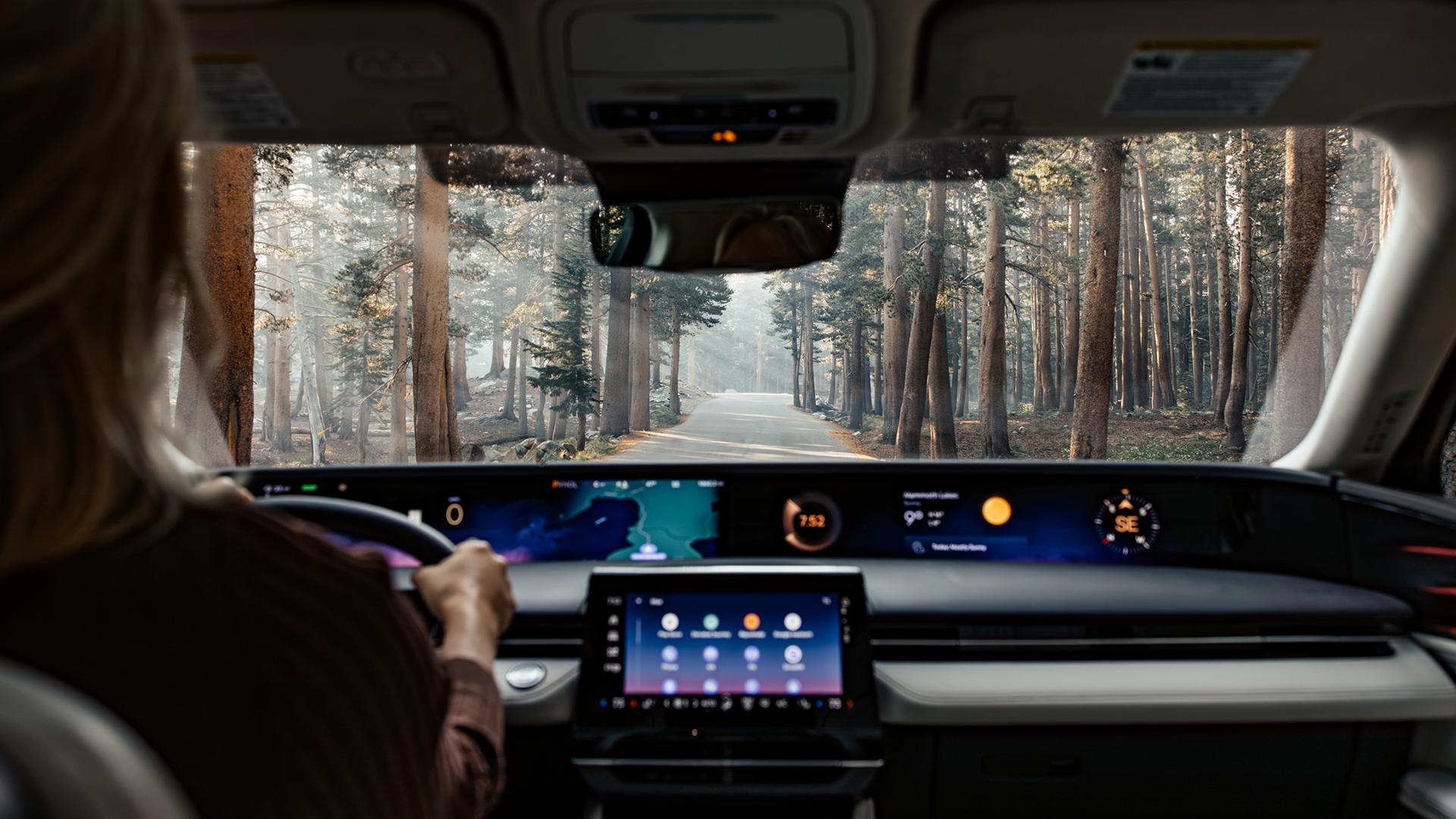
What you gain when you share:
- In-app experience — You’ll receive scheduled maintenance service notifications and messages based on connected vehicle data
- Personal offers — You’ll get personalized offers based on your vehicle usage and preferences
What works without sharing your data:
- Direct communications from Lincoln about recalls, service, and safety
How to adjust this setting:
Personalization settings can be adjusted through your Lincoln Account online and in the Lincoln app. We’ll walk you through all your options.
Dealer & service
Service your way
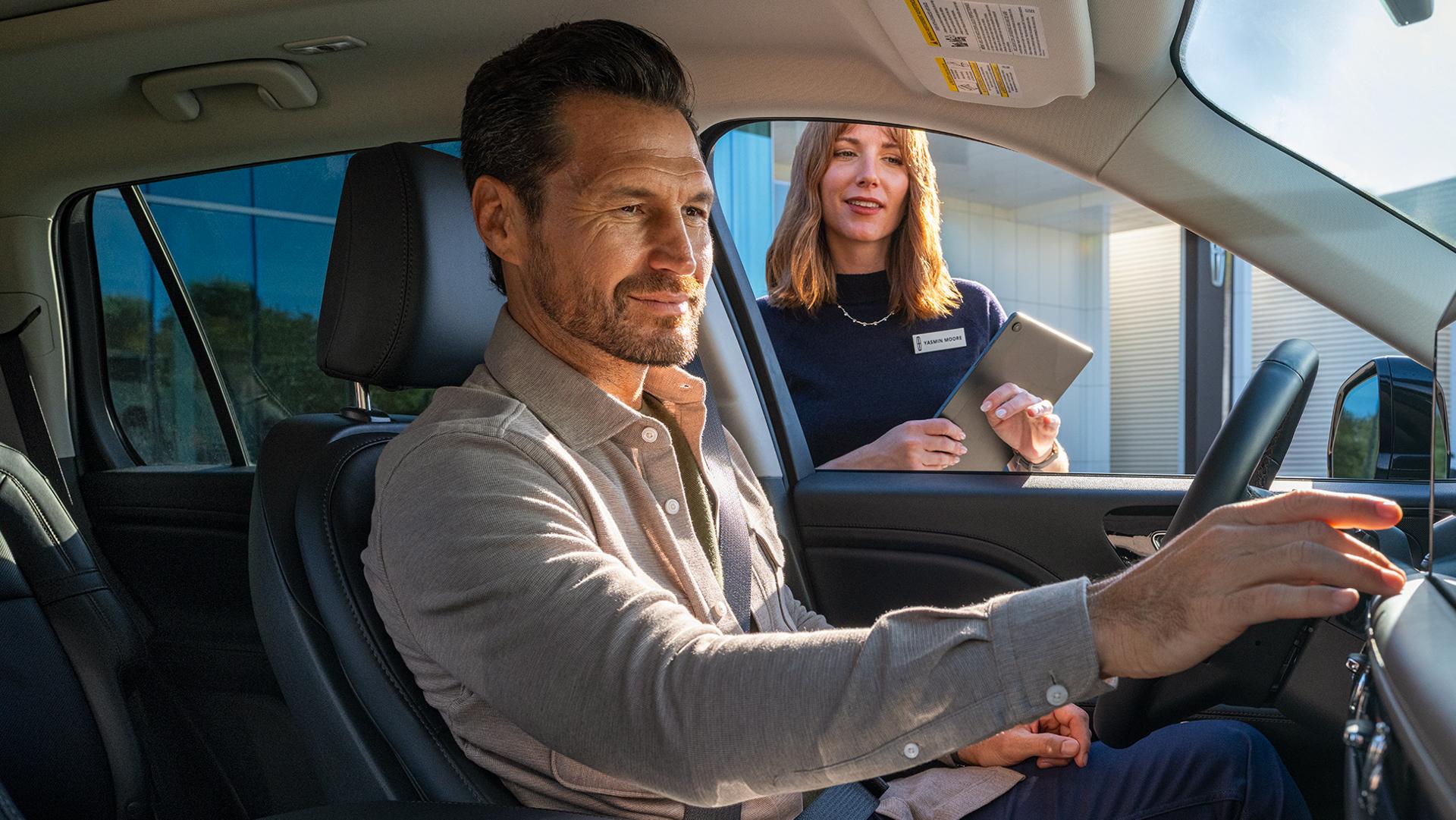
Servicing your vehicle is even more convenient when you choose to share your connected vehicle data with our dealers.
What you gain when you share:
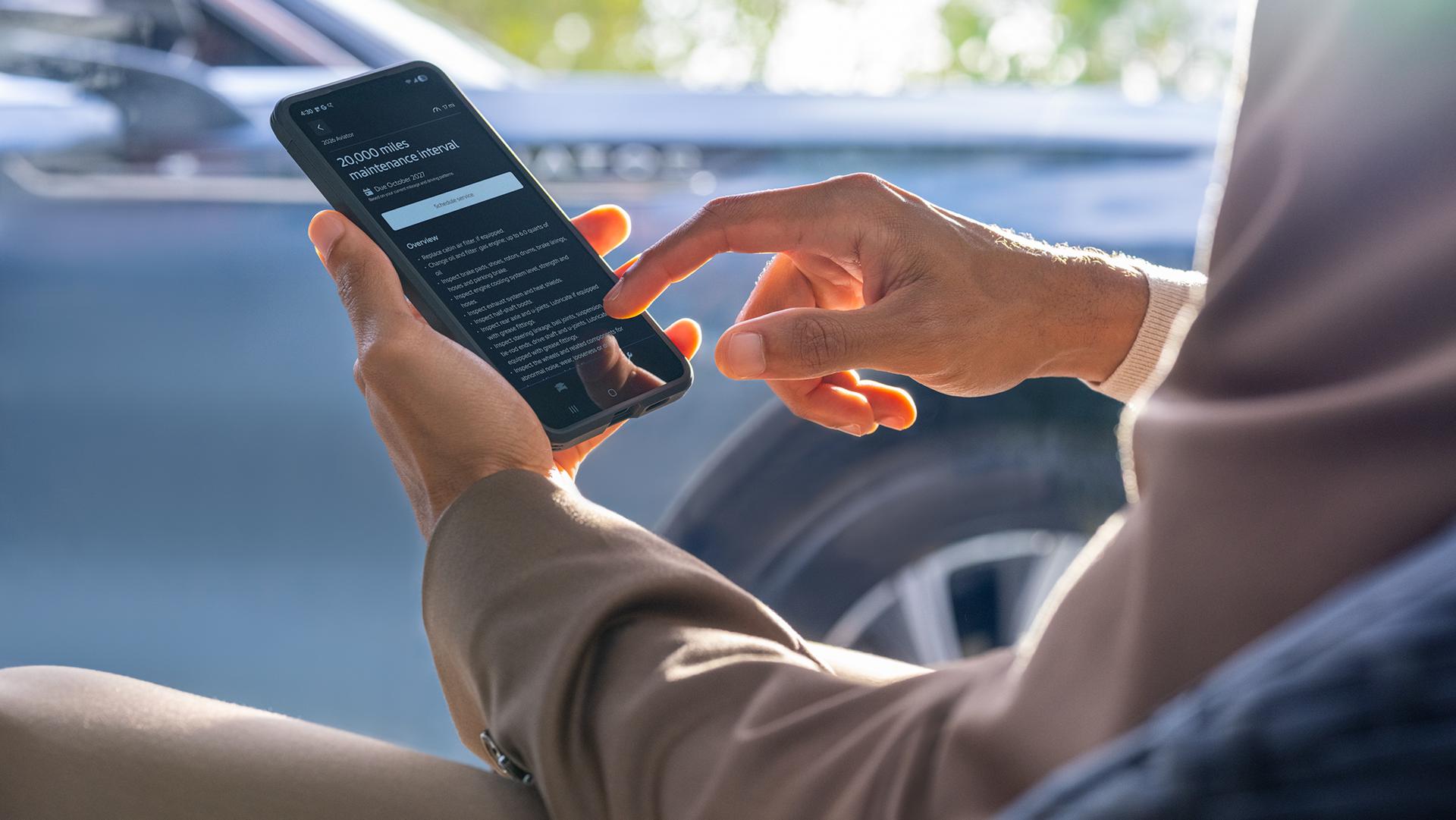
- Proactive maintenance — Get help staying on top of scheduled maintenance with messages and notifications when you select your preferred dealer and choose to share your connected vehicle data
- Find services — You’ll be able to view services and receive offers directly through your participating preferred dealer when logged in online and via the Lincoln app 164
- Schedule service — You can easily schedule service in-app with your preferred dealer and with participating dealerships, schedule service at your office or home, too, with Lincoln Pickup & Delivery and Lincoln Mobile Service 62
- Other Repair Facilities — Your repair facility can request access to vehicle data, with your authorization, for repair services.
What works without sharing your data:
- You’ll still be able to search offers online and at independent repair facilities
- You can schedule service online with a participating dealer, get service at your home or work with Lincoln Pickup & Delivery and Lincoln Mobile Service, 62 and you can also schedule at independent repair facilities
How to adjust this setting:
Setting your preferred dealer and sharing with dealers for proactive engagement can be done through your Lincoln Account online and in the Lincoln app. You can also change or remove your preferred dealer at any time. We'll walk you through your options.
How data drives your experience


Preguntas frecuentes
Things you should know
Get quick answers here. And for all the details, read our Privacy Notice.
What connected vehicle data does Lincoln collect?
If your vehicle is properly equipped and data sharing is enabled, your vehicle may share data regarding its location, driving characteristics, and internal health. This allows for real-time features like traffic updates and Roadside Assistance. We offer settings so you can manage data sharing through your vehicle's center display.
Examples of connected vehicle data that can be turned on or off:
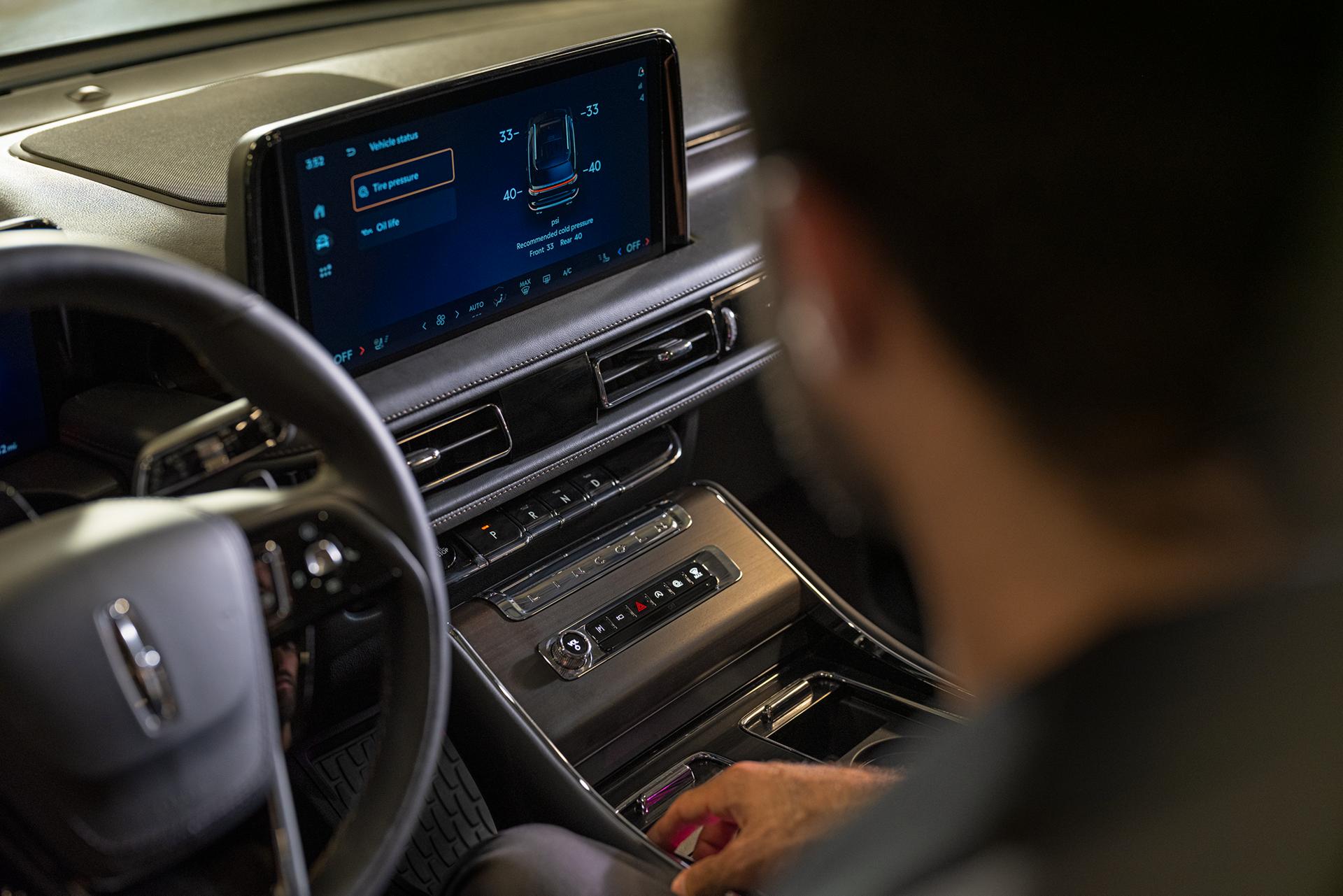
Vehicle: Includes identifiers such as your vehicle identification number (VIN) and software version numbers, plus fuel and fluid levels, tire pressure, engine temperature, and odometer reading. Also includes maintenance, vehicle diagnostics, and vehicle performance information, etc.
Driving: Information such as driver-assist features and how the vehicle is operated and used, such as speed, acceleration, braking, steering, seat belts, etc.
Location: The vehicle’s precise latitude and longitude that helps inform services such as embedded navigation and Roadside Assistance.
Please Note: If your vehicle is equipped with the available Lincoln Security Package, * some vehicle settings may be unavailable and Vehicle Location Data may be collected when a Theft Alert is triggered. **
How does Lincoln use the data collected from my connected vehicle?
We use the data we collect from your vehicle to provide you with connected features and services, troubleshooting, product improvements, research and development, and for offering products and services tailored to you and for other purposes described in our Privacy Notice.
How do driver-facing cameras in Lincoln vehicles work?
Our driver-facing camera technology is an example of how Lincoln delivers innovative vehicle features and services while prioritizing consumer privacy. In certain driving modes, BlueCruise-equipped Lincoln vehicles use a driver-facing camera focused on the driver’s face. This camera is used to track eye gaze and head position to help ensure driver attention to the road and triggers an escalation process if the driver does not respond to alerts and/or diverts their attention from the road. This camera is only active while the driver engages BlueCruise or Lane Centering Assist in combination with Adaptive Cruise Control. 127
No driver-facing images, photos, or videos are automatically off-boarded from the vehicle to Lincoln. A single image may be stored and physically retrieved from the vehicle in certain crash or near crash-like situations (e.g., air bag deployment, hitting a road obstacle).
Does Lincoln sell my driving data to insurance companies?
Lincoln does not sell data about how you drive your vehicle to insurance companies or data brokers. Some insurance providers use mobile phone data from non-Lincoln applications to extrapolate driving behavior, so some Lincoln drivers may still participate in usage-based programs through these methods.
Who does Lincoln share my personal information with?
We may share your personal information in a variety of circumstances, including working with third-party service providers to deliver experiences at your direction.
He aquí algunos ejemplos:
- Dealers: We work with our authorized dealers for purposes such as helping with service, warranties, and supporting joint marketing activities
- Service Providers: We work with companies that help us with cloud storage, customer support, and marketing, ensuring they adhere to our strict privacy standards
- Business Partners: We work with other companies to offer services such as SiriusXM® and personalized experiences
- Legal and Regulatory: We may share information for reasons such as to comply with legal obligations or to support investigations with organizations such as the National Highway Traffic Safety Administration (NHTSA)
For all the details, please read our Privacy Notice.
What are the consequences if I choose to disable data collection?
Turning off data sharing in-vehicle may limit or disable certain available Connected Services and vehicle features that rely on data.
How do I manage data sharing?
Data sharing allows you to enjoy many features in your Lincoln vehicle, from remote start, * to over-the-air software updates, ** available Connected Services, and plenty more. You control what data you share and can customize or disable all data sharing with Lincoln by managing your privacy settings in-vehicle and other uses or third-party sharing in app, and online in your Lincoln Account. Please note that certain Connected Services require data sharing to function. If you own multiple Lincoln vehicles, you have the ability to adjust settings on a per-vehicle basis. Learn more about which features use data sharing.
Manage connected vehicle data sharing with Lincoln in settings in your vehicle:
Your vehicle data and privacy settings are on your vehicle’s center display, just a few taps away. Those taps can vary by in-vehicle technology. We’ll walk you through the Vehicle Connectivity steps. Refer to your Owner’s Manual and the Connected Vehicle Privacy Notice for full details.
Manage settings in your Lincoln Account online for other third-party sharing and uses:
- On Lincoln.com, select the account icon, then your account from the drop-down menu
- Scroll to Manage Settings section and choose Privacy
- Select Privacy and data sharing
- You’ll be presented a page where you have the option to Set Preferences for Manage Data with Lincoln and Manage Data with Third Parties
- From Manage Data with Lincoln, adjust sliders to manage your Personalization and Marketing choice for Vehicle Data and Driving Data
- From Manage Data with Third Parties, adjust sliders to Notify your preferred dealer when the vehicle needs service — please note, this selection is only viewable if you have already selected a preferred dealer
Note: If you have multiple vehicles in your garage, you’ll need to adjust settings for each vehicle.
Manage settings in the Lincoln app for other third-party sharing and uses:
- On the app home screen, select account icon
- Scroll to Settings section and choose Legal and privacy
- Select Privacy and data sharing
- You’ll be presented a page where you have the option to Set Preferences for Manage Data with Lincoln and Manage Data with Third Parties
- From Manage Data with Lincoln, adjust sliders to manage your Personalization and Marketing choice for Vehicle Data and Driving Data
- From Manage Data with Third Parties, adjust sliders to manage Google Maps in the Lincoln app
- From Manage Data with Third Parties, adjust sliders to Notify your preferred dealer when the vehicle needs service — please note, this selection is only viewable if you have already selected a preferred dealer
Note: If you have multiple vehicles in your garage, you’ll need to adjust settings for each vehicle.
What are my rights?
In the United States, you have specific rights to:
- Access and Review: Request a copy of personal data we hold about you
- Correct and Update: Request to fix any inaccuracies in your information
- Request Deletion: Ask us to remove your personal data from our systems
In some states, you also have rights to:
- Opt Out of Sales, Targeted Advertising, or Profiling. Choose to exercise these rights.
Does Lincoln work with law enforcement to track my whereabouts?
We strive to enhance the safety of the communities we serve. Lincoln follows a dedicated process to determine if connected vehicle data should be shared to assist law enforcement and will provide such data only when we have the vehicle owner's authorization or in response to a valid legal process.
In the case of precise location data, the only acceptable legal process is a warrant. Lincoln may make an exception to these requirements when there are exigent circumstances that, for example, necessitate sharing location data to help prevent imminent harm or the loss of life or serious injury to any person (e.g., child kidnapping, carjacking). Absent meeting the strict requirements for an exception, Lincoln will object, challenge, or reject the request.
Where can I find important legal notices and specific terms related to my data?
Read our Privacy Notice for information, legal notices, and specific terms regarding the treatment of your personal information shared with us.